What to share when you request service
The fastest way to a diagnosis is good information. Before you call or submit a request, note the following:
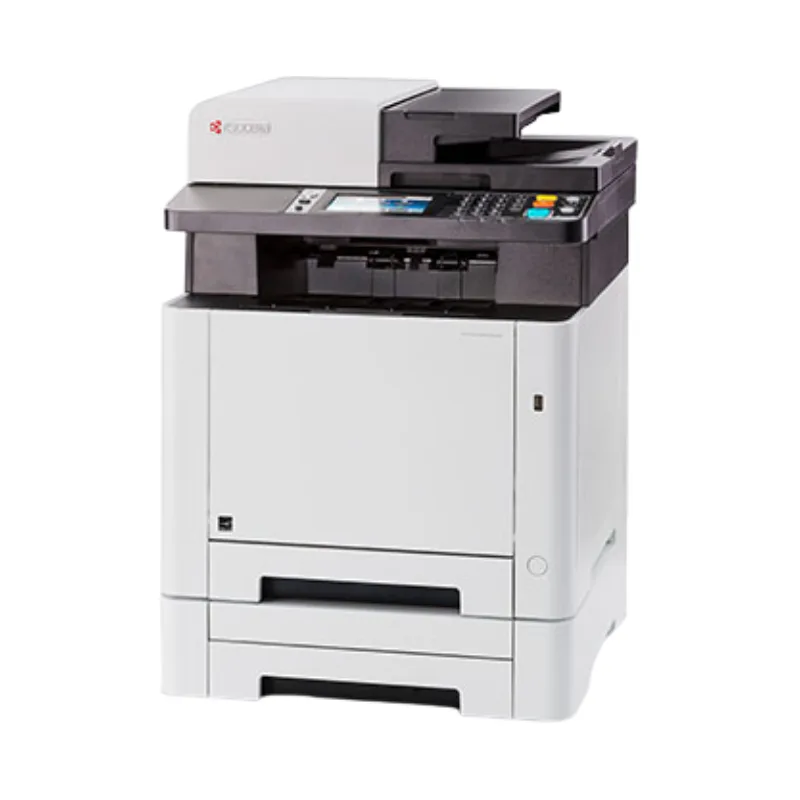
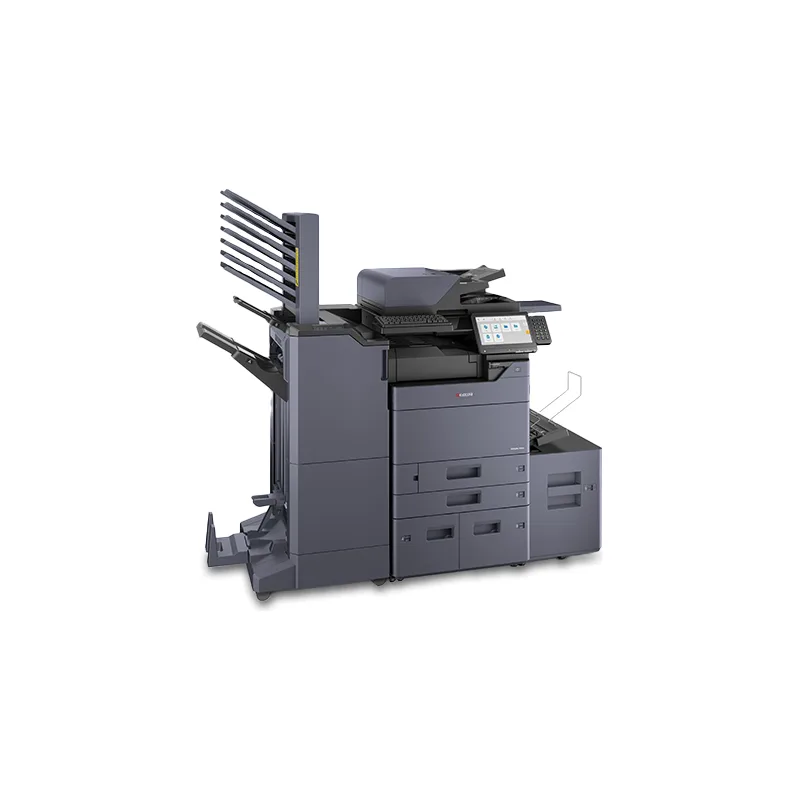
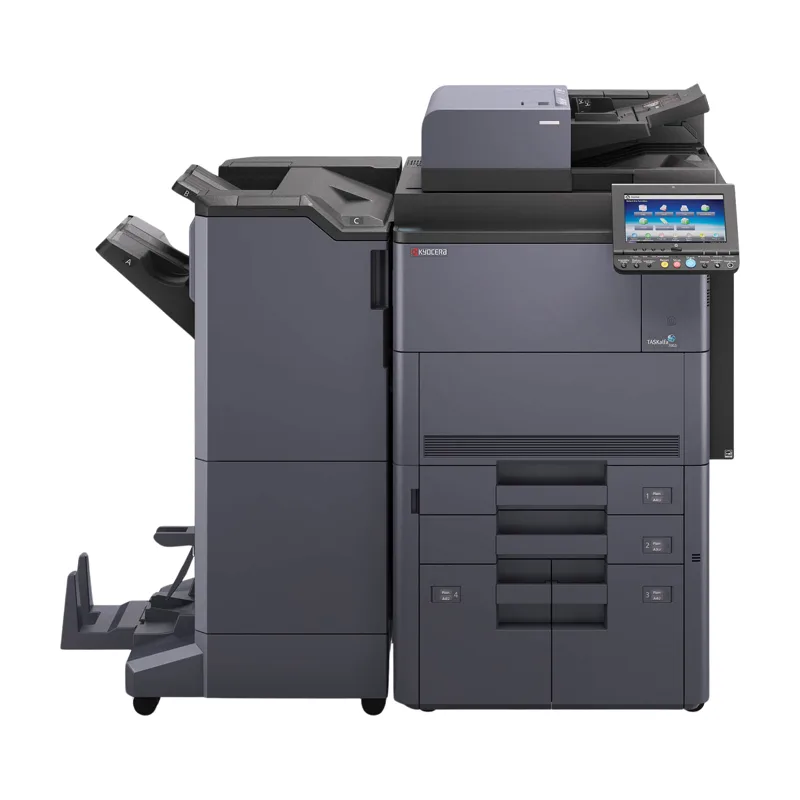
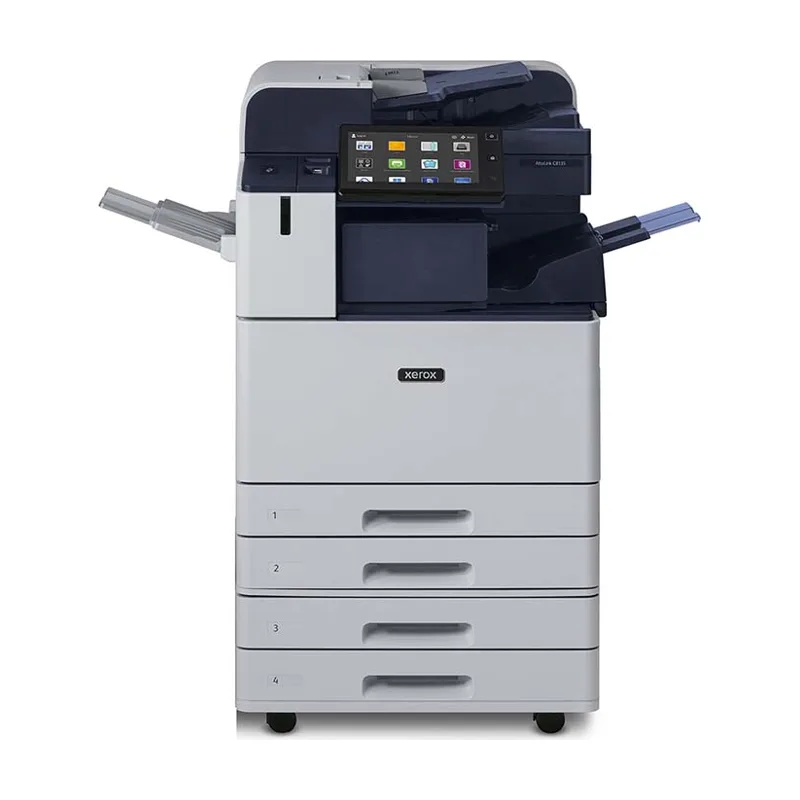
- Make and model (on the front or top of the device)
- Serial number and current meter reading, if available
- Any error code shown on the display
- What happens — jams, streaks, noises, network or scanning problems
- When it started and whether it is intermittent
- Your address and an on-site contact
Preventive maintenance
Regular maintenance — cleaning, replacing wear parts at their rated intervals, and checking feed rollers and fusers — helps reduce jams and print-quality problems. In Southwest Florida's humidity, storing paper sealed and off exterior walls also reduces misfeeds.
How service requests are handled
Submit a request through the form or call us. We'll confirm the next steps for your device and address. Scheduling and timing are confirmed per request; we don't promise same-day visits or guaranteed response times.
Parts, labor and written terms
Parts and labor charges, and any service-agreement coverage, are confirmed in writing before work proceeds. If a repair isn't worthwhile on an older device, we'll help you compare replacement or a short-term rental.